
Lead feature
Juicer guides you step by step
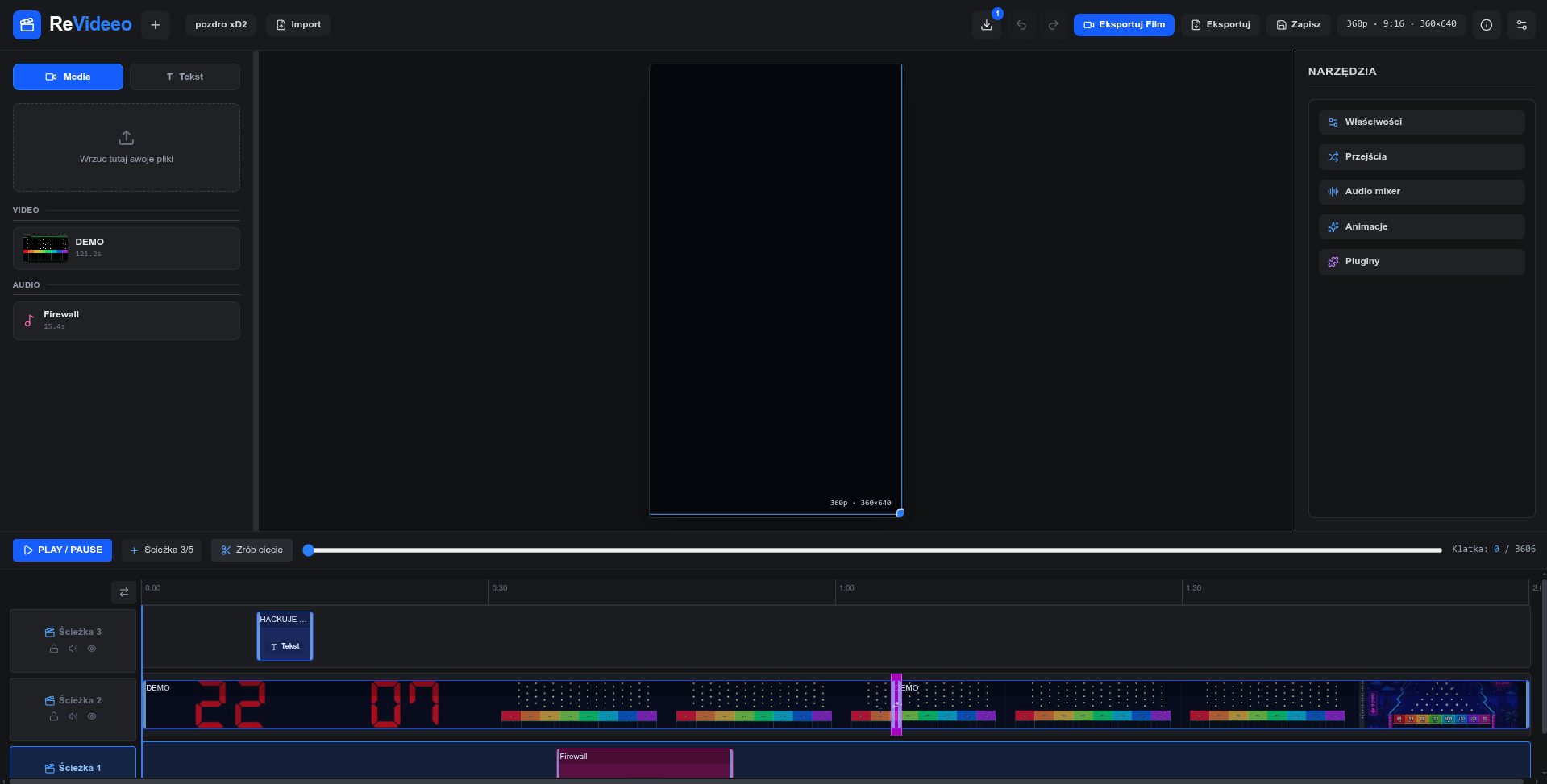
Get practical next actions inside the timeline, cuts, and effects flow—real editor capability, not vague AI magic.
ReVideeo helps creators, marketers, and editors move from raw clips to publish-ready cuts fast, with no setup and a real multi-track timeline that stays in your control.
Short-form ready • Edit anywhere • Export your way
Core features
Built for real editing work: clear AI guidance, extensible tooling, trusted exports, and instant browser access.
Lead feature
Get practical next actions inside the timeline, cuts, and effects flow—real editor capability, not vague AI magic.
Extensible
Shape workflows with plugins and custom logic instead of waiting for closed feature roadmaps.
Export trust
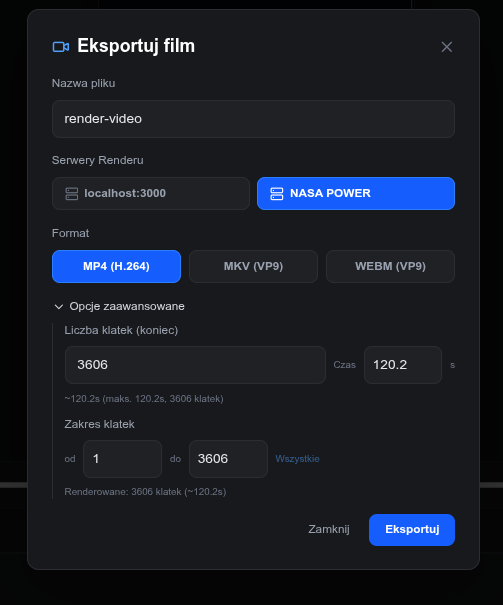
Render locally when you want, or connect a server—without forced cloud lock-in.
No install
No desktop setup barrier—jump in fast from the device you already have.
Juicer in plain terms
Juicer helps you move through real editing tasks by combining built-in timeline tools with the plugins you choose to install.
Juicer reads your goal and clip context to frame a concrete editing plan before any action is suggested.
It maps the plan to timeline controls, effects, and installed plugins that are actually available in your setup.
You get clear, step-by-step guidance so edits stay intentional, fast, and easy to validate.
Juicer doesn’t randomly click around the interface — it follows editor logic and available plugin actions you can inspect.
ReVideeo includes a dedicated mobile-friendly workflow, so editing on smaller screens feels intentional instead of like a squeezed desktop clone.
Plugin API + Open Source
Build custom workflow tools with documented plugin hooks, transparent source, and a foundation designed for long-term control.
Follow rollout updatesExport freedom
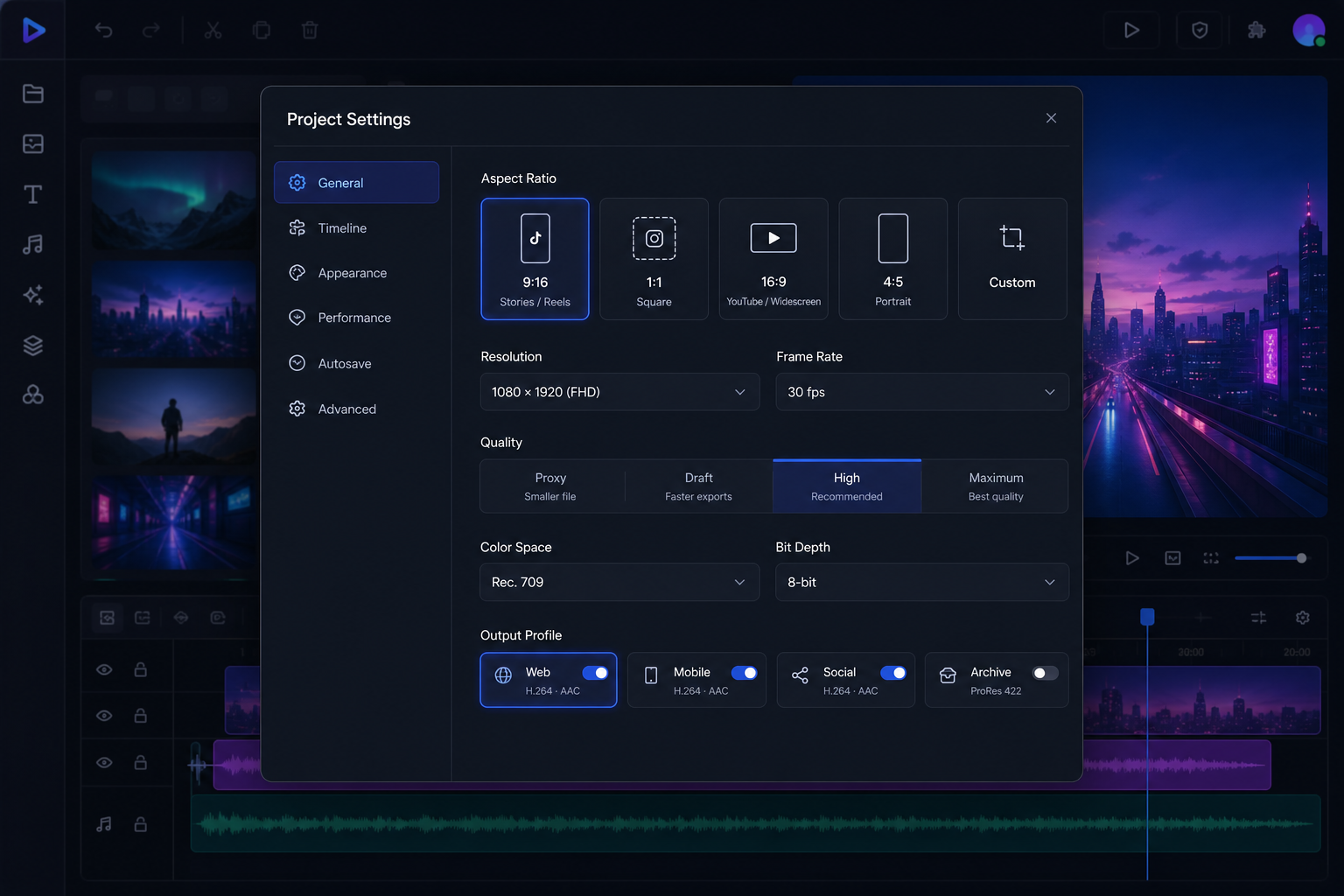
Keep local ownership, move portable project files anywhere, and hand off rendering only when it fits your workflow.
Bundle timeline and media into a self-contained package ready to open later.
Share a lightweight project file for quick moves, branching, or version snapshots.
Send jobs to external render infrastructure without locking your edit workflow.
ReVideeo projects remain files you can keep, move, and version on your terms.
FAQ
ReVideeo is rolling out in stages. Here’s what you can expect right now and what the roadmap is built for.
Want to see how it feels in practice?
Open App >Access and links are rolling out in stages, but the project is moving fast and you can follow every step.